 weemea
Home / Mobile
Weemea on phones and tablets
Weemea installs like an app from the browser, without going through an app store. Screens adapt from phone to large display.
Installed in two taps
On iPhone: Share, then “Add to Home Screen”. On Android: “Install app”. The Weemea icon joins your other apps.
- Sign in with fingerprint or face using passkeys
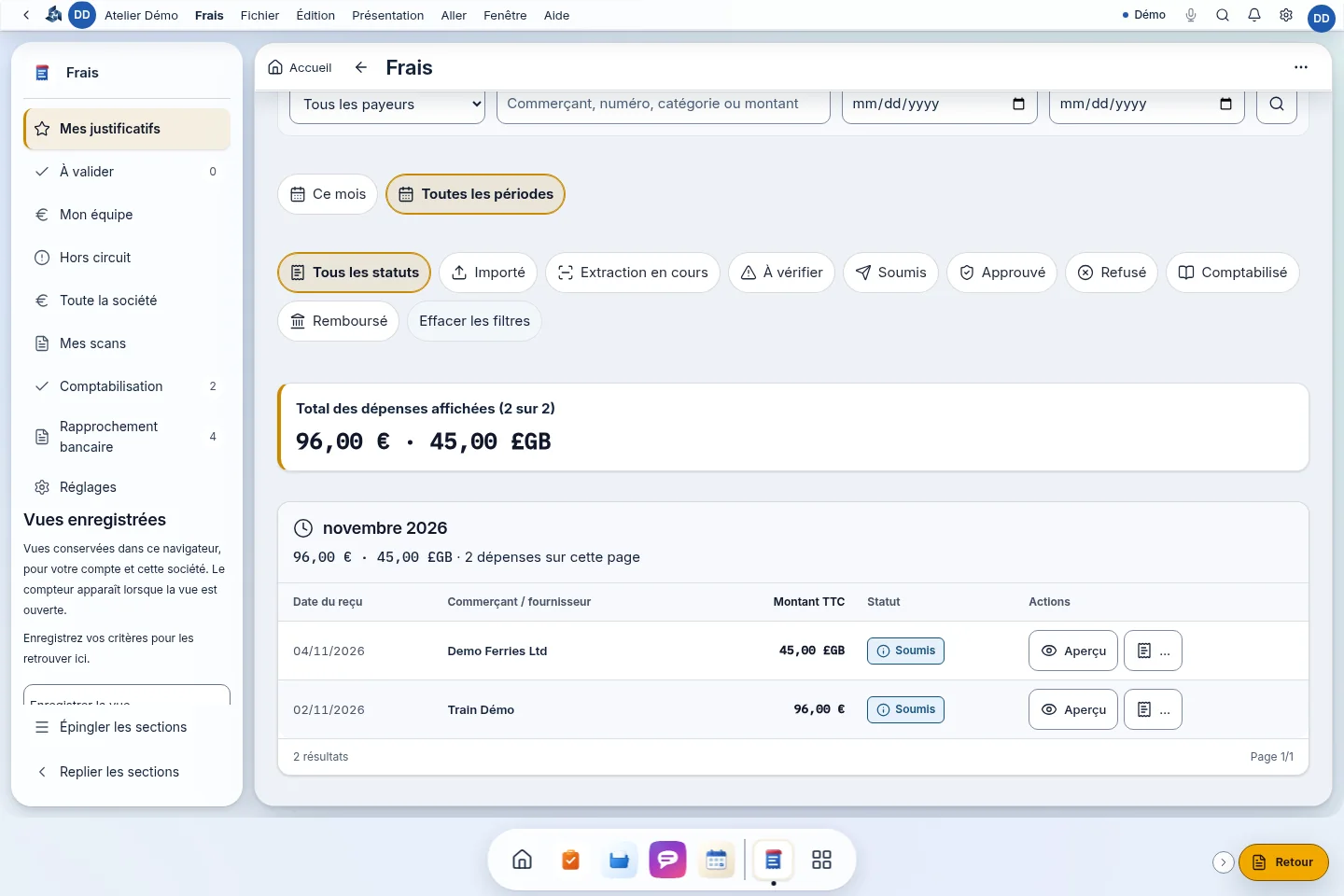
- Expense receipt photo straight from the device
- “My day” shop-floor screen designed for tablets
- iPad display at meeting room doors
- QR labels on equipment
- French or English, light or dark theme
A network connection is required: offline, Weemea shows a waiting page and keeps no business data on the device.
Let’s look at Weemea with your own cases
Tell us about your business and the workflows to connect. Demo with synthetic data, proposal on request.